How to Use Kafka Topics Keys and Partitions Correctly
Understand how Kafka topics split into partitions, how the message key picks the partition and ordering follows from it, and size partitions for consumers.
Kafka questions in code review mostly come down to three words: topic, key and partition. Getting them right gives ordered, scalable processing, and getting them wrong gives either lost ordering or a bottleneck that cannot be fixed without moving data. This post explains how they work and how to choose, with Java producer examples. The consumer side is in writing a reliable Kafka consumer.
Topics and partitions
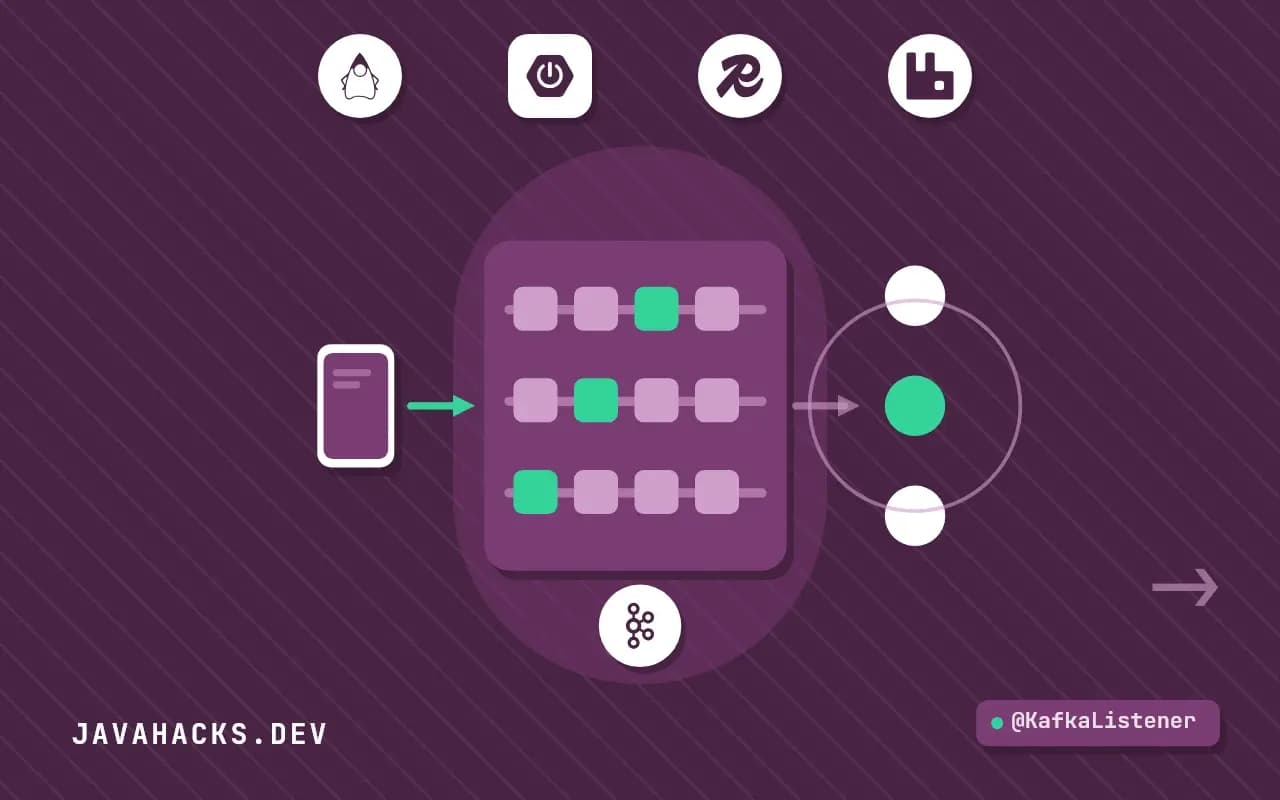
A topic is a named stream of records, for example orders. Internally it is split into partitions, each an ordered, immutable log with its own offsets (0, 1, 2, ...). Records within a partition are strictly ordered. There is no order between records in different partitions.
topic "orders", 3 partitions
  partition 0:  [o-17] [o-4] [o-17] ...
  partition 1:  [o-8] [o-8] ...
  partition 2:  [o-3] [o-21] ...
Partitions are the unit of parallelism: they are spread across brokers for throughput, and consumers divide them for processing.
The key picks the partition
A record has an optional key. With a key, the default partitioner hashes it and maps it to a partition, so every record with the same key goes to the same partition:
Properties props = new Properties();
props.put("bootstrap.servers", "localhost:9092");
props.put("key.serializer", "org.apache.kafka.common.serialization.StringSerializer");
props.put("value.serializer", "org.apache.kafka.common.serialization.StringSerializer");

try (KafkaProducer<String, String> producer = new KafkaProducer<>(props)) {
    producer.send(new ProducerRecord<>("orders", "o-17", "{\"status\":\"PLACED\"}"));
    producer.send(new ProducerRecord<>("orders", "o-17", "{\"status\":\"PAID\"}"));
}
Both records have key o-17, so they land in the same partition and are consumed in this order: PLACED, then PAID. Without a key, the producer spreads records across partitions (sticky batching), and the order between them is lost.
Choosing the key
The key should be the identity of the thing whose events must stay in order: the order id, the account id, the device id. Rules of thumb:
| Need | Key |
|---|---|
| All events of one order in order | orderId |
| All changes to an account in order | accountId |
| No ordering needed, even spread | No key (null) |
| Per-customer processing without races | customerId |
Watch for skew. A key with a few very frequent values (a single large tenant) sends most traffic to one partition, which becomes the bottleneck while others idle. Pick a finer key, or add a suffix for the hot entity if its events can tolerate a looser order.
Partitions limit parallelism
Within a consumer group, each partition is assigned to one consumer at a time. With 6 partitions you can have at most 6 consumers working in parallel; a seventh sits idle. Plan the partition count from the highest parallelism you expect, with room to grow, and from the throughput targets (measure the throughput of one partition on your hardware). Over-provisioning has a cost: more partitions mean more open files, longer leader elections and more memory in clients.
Changing the partition count
You can add partitions to an existing topic, and you cannot reduce them. Adding partitions changes the hash-to-partition mapping for new records: a key that mapped to partition 2 may now map to 5. Older records stay where they were, so ordering for that key across the boundary is not preserved. Start with enough partitions, and treat an increase as a migration for topics where per-key ordering matters.
Creating a topic explicitly
kafka-topics.sh --bootstrap-server localhost:9092 --create \
  --topic orders --partitions 6 --replication-factor 3
Do not rely on auto-creation in production; it uses broker defaults. A replication factor of 3 and min.insync.replicas=2 with acks=all on the producer protect against losing acknowledged records when a broker fails.
Spring for Apache Kafka
kafkaTemplate.send("orders", order.id(), new OrderPlaced(order.id(), order.totalCents()));The first argument is the topic, the second the key, the third the value. Defining topics as beans (NewTopic) creates them on startup in development.
A producer that is safe to run in production
The examples above send a record and hope. A producer that you can trust in production sets the durability and ordering options explicitly and looks at the result of each send:
Properties props = new Properties();
props.put(ProducerConfig.BOOTSTRAP_SERVERS_CONFIG, "kafka-1:9092,kafka-2:9092");
props.put(ProducerConfig.KEY_SERIALIZER_CLASS_CONFIG, StringSerializer.class.getName());
props.put(ProducerConfig.VALUE_SERIALIZER_CLASS_CONFIG, StringSerializer.class.getName());
props.put(ProducerConfig.ACKS_CONFIG, "all");
props.put(ProducerConfig.ENABLE_IDEMPOTENCE_CONFIG, "true");
props.put(ProducerConfig.DELIVERY_TIMEOUT_MS_CONFIG, "30000");
props.put(ProducerConfig.LINGER_MS_CONFIG, "5");

try (KafkaProducer<String, String> producer = new KafkaProducer<>(props)) {
    ProducerRecord<String, String> record =
        new ProducerRecord<>("orders", "o-17", "{\"event\":\"PLACED\"}");

    producer.send(record, (metadata, error) -> {
        if (error != null) {
            log.error("send failed for key o-17", error);
        } else {
            log.info("stored in partition {} at offset {}", metadata.partition(), metadata.offset());
        }
    });
}
acks=all makes the leader wait for the in-sync replicas before it acknowledges, so an acknowledged record survives the loss of one broker when min.insync.replicas is 2. enable.idempotence=true lets the broker discard a duplicate that a retry would otherwise create, and it keeps per-partition order across retries. The callback is where a failure becomes visible: a send that returns normally has only queued the record, so code that ignores the result will lose messages quietly.
Seeing which partition a key lands in
When you suspect skew, compute the partition yourself. The default partitioner uses murmur2 on the serialized key, and the Utils class in the Kafka client exposes it:
int partitions = 6;
for (String key : List.of("o-17", "o-18", "o-19", "tenant-big", "tenant-small")) {
    byte[] bytes = key.getBytes(StandardCharsets.UTF_8);
    int partition = Utils.toPositive(Utils.murmur2(bytes)) % partitions;
    System.out.println(key + " -> partition " + partition);
}
Feed this a day of real keys and count the results per partition. A distribution where one partition takes more than a fair share by a wide margin is skew, and you will want to see it before the topic holds a terabyte. The same computation answers "what happens to ordering if we go from 6 partitions to 12", because you can print both mappings side by side and see how many keys move.
Custom partitioning for a hot key
When one tenant sends half the traffic, hashing by tenant puts half the load on one partition. If events for that tenant can be ordered per account instead of per tenant, add the account to the key for tenants flagged as large:
public class TenantAwarePartitioner implements Partitioner {

    private final Set<String> bigTenants = Set.of("tenant-big");

    @Override
    public int partition(String topic, Object key, byte[] keyBytes,
                         Object value, byte[] valueBytes, Cluster cluster) {
        int partitions = cluster.partitionsForTopic(topic).size();
        String k = (String) key;
        String routed = bigTenants.contains(k.split(":")[0]) ? k : k.split(":")[0];
        return Utils.toPositive(Utils.murmur2(routed.getBytes(StandardCharsets.UTF_8))) % partitions;
    }

    @Override public void close() {}
    @Override public void configure(Map<String, ?> configs) {}
}
The key format here is tenant:account. Small tenants hash by tenant, so their events stay together, and a large tenant hashes by the whole key, spreading its accounts across partitions. This is a trade, not a free fix: ordering for the large tenant now holds per account only, and every consumer that assumed per-tenant order must be told. Write that down next to the topic's definition.
Testing keys and ordering
An ordering guarantee deserves a test. With Testcontainers and a real broker, send events for one key and assert the order the consumer sees:
@Testcontainers
class OrderingTest {

    @Container
    static KafkaContainer kafka = new KafkaContainer(DockerImageName.parse("apache/kafka:3.9.0"));

    @Test
    void eventsForOneKeyAreConsumedInOrder() {
        try (var producer = producer(kafka.getBootstrapServers());
             var consumer = consumer(kafka.getBootstrapServers(), "orders")) {

            for (int i = 0; i < 100; i++) {
                producer.send(new ProducerRecord<>("orders", "o-17", "event-" + i));
            }
            producer.flush();

            List<String> seen = new ArrayList<>();
            long deadline = System.currentTimeMillis() + 10_000;
            while (seen.size() < 100 && System.currentTimeMillis() < deadline) {
                consumer.poll(Duration.ofMillis(200)).forEach(r -> seen.add(r.value()));
            }

            List<String> expected = IntStream.range(0, 100).mapToObj(i -> "event-" + i).toList();
            assertEquals(expected, seen);
        }
    }
}
The test passes as long as the key stays constant and the producer is idempotent. Change the key to null and it starts to fail on a multi-partition topic, which is the demonstration most teams need once.
Where this does not apply
For work queues where order does not matter and each message should be processed by exactly one worker with per-message acknowledgement, a traditional queue (RabbitMQ, SQS) can be simpler. Kafka retains records for a configured time and consumers track their own offsets, which is a different model. The Apache Kafka documentation on design and the producer configuration reference are the primary sources. Messages written to those partitions are consumed by groups as described in writing a reliable Kafka consumer, and the choice between messages and calls is in synchronous vs asynchronous communication.