Play 2.8 to 3 Migration Steps for Your Existing Project
Migrate a Play 2.8 application to Play 3: go through 2.9 first, update sbt and Java, swap Akka for Pekko, fix removed APIs and verify before deploying.
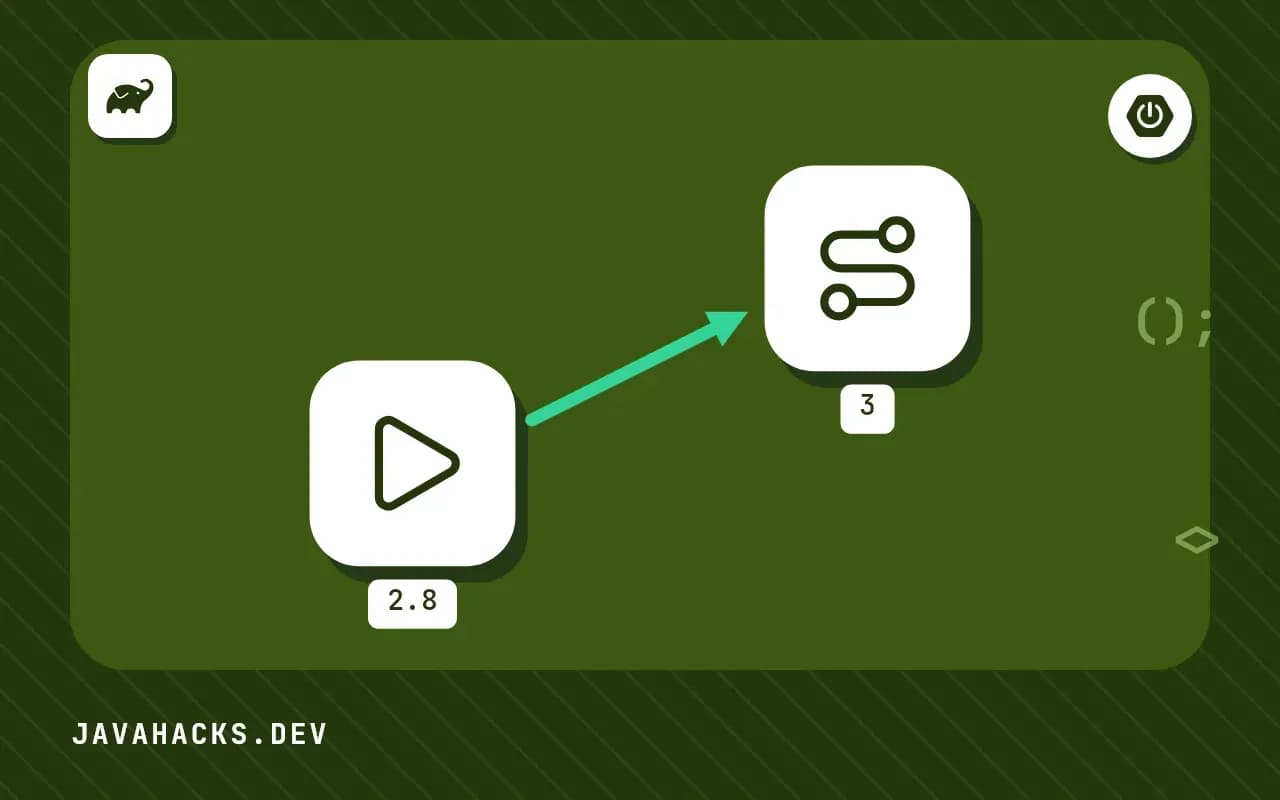
Play 2.8 is two major steps behind. The path is mechanical, and the order keeps each failure explainable. The reasons for the rename are in Play 3 and Pekko.
Step 1: Play 2.8 to 2.9
addSbtPlugin("com.typesafe.play" % "sbt-plugin" % "2.9.6")Also bump sbt.version in project/build.properties to a version the plugin supports, and use Scala 2.13 (Play 2.9 also supports Scala 3). Read the 2.9 migration guide and handle each deprecated item. Typical things:
- Java: some
play.mvchelpers andHttpExecutionContextusage changed. - Guice and dependency injection modules may need updated versions.
- JSON and WS libraries received minor API tidying.
Compile with warnings enabled and fix them while still on Akka, since this keeps the later step small. Run the test suite and deploy this version before continuing if your process allows.
Step 2: Play 2.9 to 3.0
Change the plugin group and version, because the artifacts moved to the org.playframework group:
addSbtPlugin("org.playframework" % "sbt-plugin" % "3.0.6")The other build changes:
- The Play plugin name changes from
com.typesafe.playtoorg.playframework, and also for modules inlibraryDependenciessuch as"org.playframework" %% "play-json". - Java 11 is the minimum for the sbt plugin, and Java 17 or 21 is the practical choice.
- The
sbt-native-packagerand other plugins need compatible versions.
Step 3: Akka to Pekko
Run a global search for akka and change:
- Java and Scala imports to
org.apache.pekko. application.confkeys underakka { ... }topekko { ... }.- Dependencies from
com.typesafe.akkatoorg.apache.pekko. - Log filters or metrics that match
akkalogger names.
// before
import akka.actor.ActorSystem;
// after
import org.apache.pekko.actor.ActorSystem;
A sed-style search and replace over src/ handles most of it, but review the diff, because some strings, like a documentation URL or a type name containing "akka", should stay.
Step 4: check the dependency tree
sbt dependencyTree | grep -i akkaAny hit shows a library still bringing Akka. Replace it with the Pekko version or find an alternative, so only one actor library is on the classpath.
Step 5: verify behaviour
- Start the app and run the full test suite.
- Check configuration overrides in each environment, because a missed
akka.key silently falls back to a default. - Exercise WebSockets, streaming responses, scheduled tasks and anything using actors.
- Compare startup logs between versions for new warnings.
- Deploy to staging and run a load check, with the practices in deploying Play.
Rollback
Keep the 2.9 branch tagged. If a third party library blocks the move, staying on 2.9 for a while is acceptable. Do not mix partial renames, because a half-migrated project has two actor systems.
Where this does not apply
If you are coming from a version older than 2.8, go through each major step first. Template and routes syntax did not change in this move, see Twirl templates. The reference is the Play 3.0 migration guide, and the Play 2.9 migration guide covers the earlier step.