How to Write a REST Controller in Spring MVC Step by Step
Write a REST controller in Spring MVC with request mappings, status codes, validation and a test, using a small orders resource as the example.
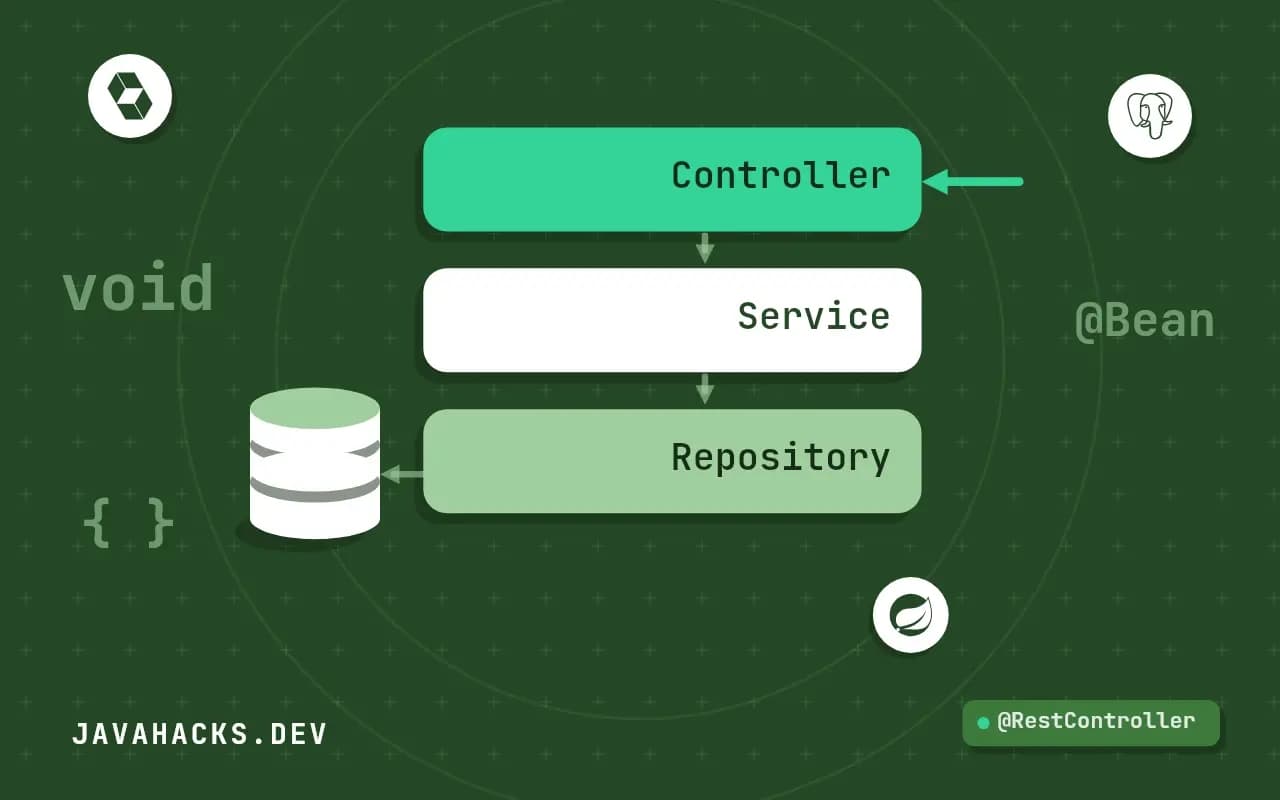
A REST controller maps HTTP requests on a resource to methods, and the shape of that mapping decides how pleasant the API is to use and to maintain. This guide builds an orders resource on Spring Boot 4 and Spring Framework 7: the controller, why it is arranged the way it is, validation, a test of the HTTP layer and the rule that keeps controllers thin. Each part names the mistake it prevents, so you can adapt the example to your own resources. The wider design is in the REST API guide.
The controller
@RestController
@RequestMapping("/orders")
class OrderController {

    private final OrderService service;

    OrderController(OrderService service) { this.service = service; }

    record NewOrder(@NotBlank String customer, @Positive int quantity) { }
    record OrderView(long id, String customer, int quantity) { }

    @GetMapping
    List<OrderView> list() {
        return service.all().stream().map(OrderView::from).toList();
    }

    @GetMapping("/{id}")
    OrderView get(@PathVariable long id) {
        return service.find(id)
                .map(OrderView::from)
                .orElseThrow(() -> new ResponseStatusException(HttpStatus.NOT_FOUND));
    }

    @PostMapping
    ResponseEntity<OrderView> create(@Valid @RequestBody NewOrder request) {
        Order order = service.create(request.customer(), request.quantity());
        URI location = URI.create("/orders/" + order.id());
        return ResponseEntity.created(location).body(OrderView.from(order));
    }

    @DeleteMapping("/{id}")
    @ResponseStatus(HttpStatus.NO_CONTENT)
    void delete(@PathVariable long id) { service.delete(id); }
}
Four methods cover the usual operations on one resource: list, read one, create and delete. The constructor takes the service, so the dependency is explicit and the class is easy to test without a container.
Why it is shaped this way
The path lives in two places. @RequestMapping("/orders") on the class is the prefix, and each method adds a suffix. A @GetMapping with no path answers the collection itself, and @GetMapping("/{id}") answers one member. Writing @GetMapping is shorthand for @RequestMapping(method = GET), and the full set of options is explored in mapping requests.
The request and the response are separate records. NewOrder holds only what a client may send, so a client cannot set id or other fields that the server owns. OrderView holds only what you choose to expose. Returning a JPA entity directly leaks columns, ties the API to the schema and invites lazy-loading failures, as described in LazyInitializationException. Records keep each of these types to one line, which removes the usual excuse for sharing one class between the request, the response and the table.
Creation returns 201 Created with a Location header pointing at the new resource, which is what lets a client find it without parsing the body. A missing order is a 404, raised through ResponseStatusException, and deletion returns 204 with no body. The reasoning behind each status is in returning the right status codes, and the builders for richer responses are in ResponseEntity.
Validate input
@Valid on the request body triggers Bean Validation, using the annotations on the record's components. A failure raises MethodArgumentNotValidException, and Spring answers 400. The default body is not helpful to a client, so replace it with a structure that names each field; the approach is in returning clean validation errors. Validation of path variables and query parameters follows a different route in current Spring versions, and that article covers it too.
Test the HTTP layer
@WebMvcTest(OrderController.class)
class OrderControllerTest {

    @Autowired MockMvc mvc;
    @MockitoBean OrderService service;

    @Test
    void rejectsZeroQuantity() throws Exception {
        mvc.perform(post("/orders")
                .contentType("application/json")
                .content("{\"customer\":\"ada\",\"quantity\":0}"))
           .andExpect(status().isBadRequest());
    }
}
@WebMvcTest starts only the web layer, which makes the test run in a fraction of a second, and @MockitoBean replaces the service with a mock. The test sends a real HTTP-shaped request through the filters, the message converters and the validation, so it checks the parts a plain unit test of the method would skip. Details of the replacement are in MockitoBean. Add a test for the happy path that asserts on the Location header and the body, and one for the not-found case.
Keep the controller thin
A controller translates HTTP into a call and a result back into HTTP, nothing else. If a method grows an if about pricing or a loop over order lines, move that code into the service, where it can be exercised without a web layer and reused by a message listener or a scheduled job. Thin controllers also make the API surface easy to review, because each method is a few lines that map one request shape to one use case. A quick test of thinness: could you describe the method's body in one sentence without using a business term?
Things this example leaves out
A production controller adds pagination on the list, authentication and authorisation, a consistent error format, API versioning and documentation. Each is a short addition on top of this shape. The list method as written returns every order, which is fine for a tutorial and a problem for a table with a million rows, so add paging before the first real client appears. And ids in the path are long values here; if they are sensitive or guessable, use random identifiers and check ownership in the service.
A pagination sketch for the list method
To avoid returning every order, accept a Pageable and return a page of views. Spring binds page, size and sort from the query string, and the repository does the rest.
@GetMapping
Page<OrderView> list(Pageable pageable) {
    return service.page(pageable).map(OrderView::from);
}
Cap the maximum page size in configuration with spring.data.web.pageable.max-page-size, because a client that asks for a million rows gets them otherwise. Sorting by arbitrary properties exposes column names, so limit the sortable fields in the service. The details are in pagination in Spring MVC.
Updating a resource
The example omits update. A full replacement uses PUT /orders/{id} with a complete body and returns 200 with the new state, or 204. A partial change uses PATCH and is harder to get right, since "field absent" and "field set to null" must be told apart; many teams offer a few explicit action endpoints instead, such as POST /orders/{id}/cancel. Whichever style you pick, make the update idempotent where you can, load the entity and apply changes to it in the service, and protect against lost updates with a version number the client sends back.
Naming and URL conventions
Use plural nouns for collections, such as /orders, and identifiers for members, such as /orders/42. Express actions that do not fit a verb on a resource as sub-resources or as separate action endpoints, for example POST /orders/42/cancel, and document them. Keep URLs lowercase with hyphens, avoid verbs in paths for ordinary reads and writes, and do not expose database ids if they are guessable and sensitive. Consistent naming lets a client developer guess the next endpoint correctly, which is the best measure of a good API.
Return the same representation from GET after a POST, so a client can reuse its parser.
When this shape is not the right one
A controller that returns HTML templates uses @Controller and view names, a different shape explained in Controller vs RestController. Business rules, transactions and mapping to entities belong in the service, not in the controller. The reference is the section on annotated controllers, and the Spring REST guide is a longer walkthrough.