Jakarta Servlets Explained Without a Framework in the Way
Understand Jakarta Servlets directly: the container lifecycle, HttpServlet, filters, listeners, sessions and async processing, with a minimal app on Tomcat.
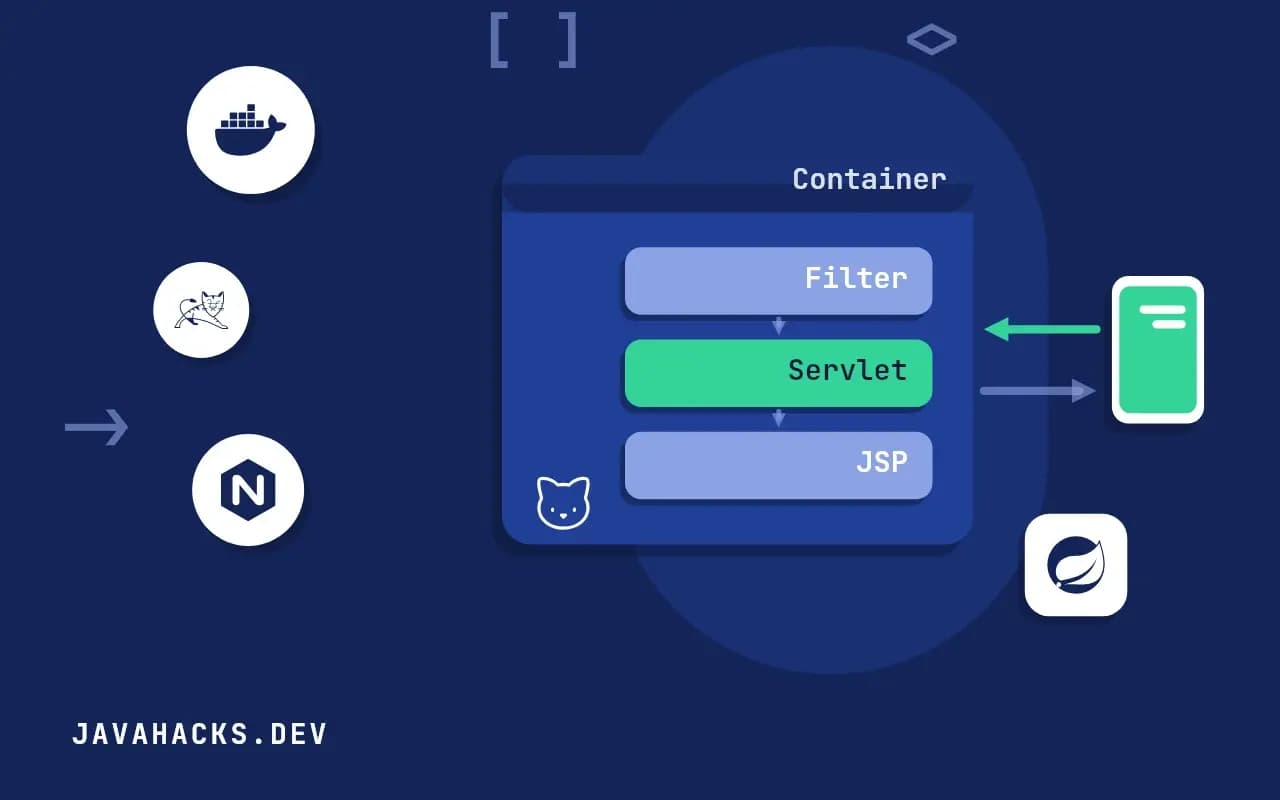
Frameworks hide the servlet API, and every request still passes through it. When a stack trace is forty frames deep and the first frame you recognize is ApplicationFilterChain, knowing what the container does before your code runs saves you time. It also makes Spring's DispatcherServlet much less mysterious, because it is one servlet. This post uses Jakarta Servlet 6.1 on Tomcat 11, and the same code works on 6.0 and Tomcat 10.1.
A minimal servlet
@WebServlet("/hello")
public class HelloServlet extends HttpServlet {

    @Override
    protected void doGet(HttpServletRequest req, HttpServletResponse resp) throws IOException {
        String name = Optional.ofNullable(req.getParameter("name")).orElse("world");
        resp.setContentType("text/plain");
        resp.setCharacterEncoding("UTF-8");
        resp.getWriter().println("Hello, " + name);
    }
}
Packaged as a WAR and deployed to Tomcat, GET /hello?name=Ada returns Hello, Ada. The dependency is jakarta.servlet:jakarta.servlet-api with provided scope, because the container supplies the implementation and a copy inside the WAR causes class loading conflicts. Set the content type and character encoding before you call getWriter(). Once the writer is created, the encoding is fixed, and setting it afterwards is silently ignored, which is how a page full of question marks gets shipped.
If you are moving from Java EE, the package is the thing that bites. Servlet 5.0 renamed javax.servlet to jakarta.servlet, and a library compiled against the old name does not load on Tomcat 10 or later. The error is a ClassNotFoundException for javax.servlet.Filter or similar, and the fix is a newer release of the library, or the Tomcat migration tool.
The lifecycle
- The container loads the class and calls
init()once. - For each request it calls
service(), which dispatches todoGet,doPostand the others by HTTP method. - On shutdown, or undeploy, it calls
destroy().
One servlet instance handles all requests concurrently, each on its own container thread. Keep no per-request state in fields:
private String lastUser; // shared by all requests: a raceUse local variables, request attributes or the session instead. A servlet that stores the current user in a field works perfectly in a developer's browser and shows one visitor's data to another under load, the same trap that singleton beans have in Spring, see bean scopes.
@WebServlet(urlPatterns = "/hello", loadOnStartup = 1) asks for init() at deployment instead of on the first request. Use it when init() opens a resource, since you would rather fail the deployment than the first customer.
Request and response
HttpServletRequest exposes parameters, headers, the body through getInputStream or getReader, cookies, the session and attributes. Call only one of those two body methods, because the container lets you read the stream once and throws IllegalStateException on the second call. HttpServletResponse sets the status, headers, cookies and the body. Attributes let one component hand data to the next within a single request:
req.setAttribute("order", order);
req.getRequestDispatcher("/WEB-INF/order.jsp").forward(req, resp);
A JSP or Faces view then reads the attribute. A forward happens inside the container and the browser URL does not change. resp.sendRedirect(...) instead answers with a 302 and the browser issues a new request, so request attributes are gone. After a successful form post, redirect, so that a page refresh does not submit the form again.
Filters
@WebFilter("/*")
public class TimingFilter implements Filter {
    @Override
    public void doFilter(ServletRequest req, ServletResponse res, FilterChain chain)
            throws IOException, ServletException {
        long start = System.nanoTime();
        try {
            chain.doFilter(req, res);
        } finally {
            long ms = (System.nanoTime() - start) / 1_000_000;
            ((HttpServletRequest) req).getServletContext().log("took " + ms + " ms");
        }
    }
}
A filter sits in front of the servlet and calls chain.doFilter to continue; not calling it stops the request, which is how authentication rejects an anonymous caller. Character encoding, compression, CORS and logging are filters. Order between several filters is not defined for annotations, only for web.xml declarations or a framework that registers them programmatically, so if two filters depend on each other, register them explicitly. Spring Security is a chain of filters behind one delegating filter, which is why it runs before any controller, see the request path.
Listeners
ServletContextListener runs at startup and shutdown, HttpSessionListener on session creation and destruction, and ServletRequestListener around each request. Use the first to build shared resources such as a connection pool and close them on shutdown. Anything you start there that is not stopped there, a scheduled executor for instance, survives an undeploy and leaks the class loader, which Tomcat reports at shutdown as "The web application appears to have started a thread named ... but has failed to stop it".
Sessions
HttpSession session = req.getSession();           // creates one if needed
session.setAttribute("cart", cart);
The container identifies the session by a JSESSIONID cookie and keeps the data in memory by default. Two consequences follow. A second instance behind a load balancer does not see the first one's sessions unless you enable sticky routing or session replication, and a restart drops everyone's session unless the manager persists them. Keep sessions small, mark the cookie Secure and HttpOnly, and call req.changeSessionId() after login to prevent session fixation, as in Java security basics.
Async and virtual threads
req.startAsync() releases the container thread while a slow operation completes, and the response is finished later from another thread. It was the answer to thread exhaustion for long polling. On Java 21 and later, Tomcat can run each request on a virtual thread, which makes blocking code cheap enough that most applications no longer need the asynchronous API. Enable it on the connector's executor and keep the code blocking.
Reading a stack trace through the container
Knowing the layers pays off the first time an exception arrives. A typical trace on Tomcat runs from Http11Processor through CoyoteAdapter into StandardWrapperValve, then ApplicationFilterChain.doFilter once per filter, and finally into your servlet's service. Everything above the first ApplicationFilterChain frame is the container accepting the connection and parsing HTTP. If the bug is in your code, it is below. If the same trace shows DispatcherServlet.doDispatch, you are looking at Spring MVC running as one servlet, and the frames below it are handler mapping, interceptors and your controller.
This also explains behavior that looks like magic. A request body that arrives empty in a controller was usually consumed already by a filter that called getInputStream() or getParameter() on a form post. A response with the wrong encoding was committed before a later filter set the encoding. And a 404 that never reaches your code means the container found no servlet mapping, so a framework route cannot help you.
Deployment, quickly
For this example the build is a plain pom.xml with <packaging>war</packaging> and the Servlet API in provided scope. mvn package produces target/app.war, and copying it into Tomcat's webapps directory deploys it under the context path named after the file, so app.war is served at /app. Rename it ROOT.war to serve at /. Tomcat unpacks and starts it within seconds, and its log shows each registered servlet and filter. Check that log first when a mapping does not work, because an annotation on a class in a jar that is not scanned is skipped without any message.
Embedded Tomcat, as Spring Boot ships it, runs the same container inside your main method, and you can add a servlet to a Boot application with @ServletComponentScan or a ServletRegistrationBean. The model is identical, only the packaging changes.
Where this does not apply
Routing by hand with one servlet per URL does not scale past a handful of endpoints, and you end up writing a worse version of a framework. For anything larger use Jakarta REST, Spring MVC or another framework, and keep this model in your head for the stack traces. The authority is the Jakarta Servlet specification, and the Tomcat documentation covers deployment.


