How to Build a Micronaut Native Image With GraalVM
Build a Micronaut application into a GraalVM native executable with Maven or Gradle, see what to expect and how to fix the reflection issues that remain.
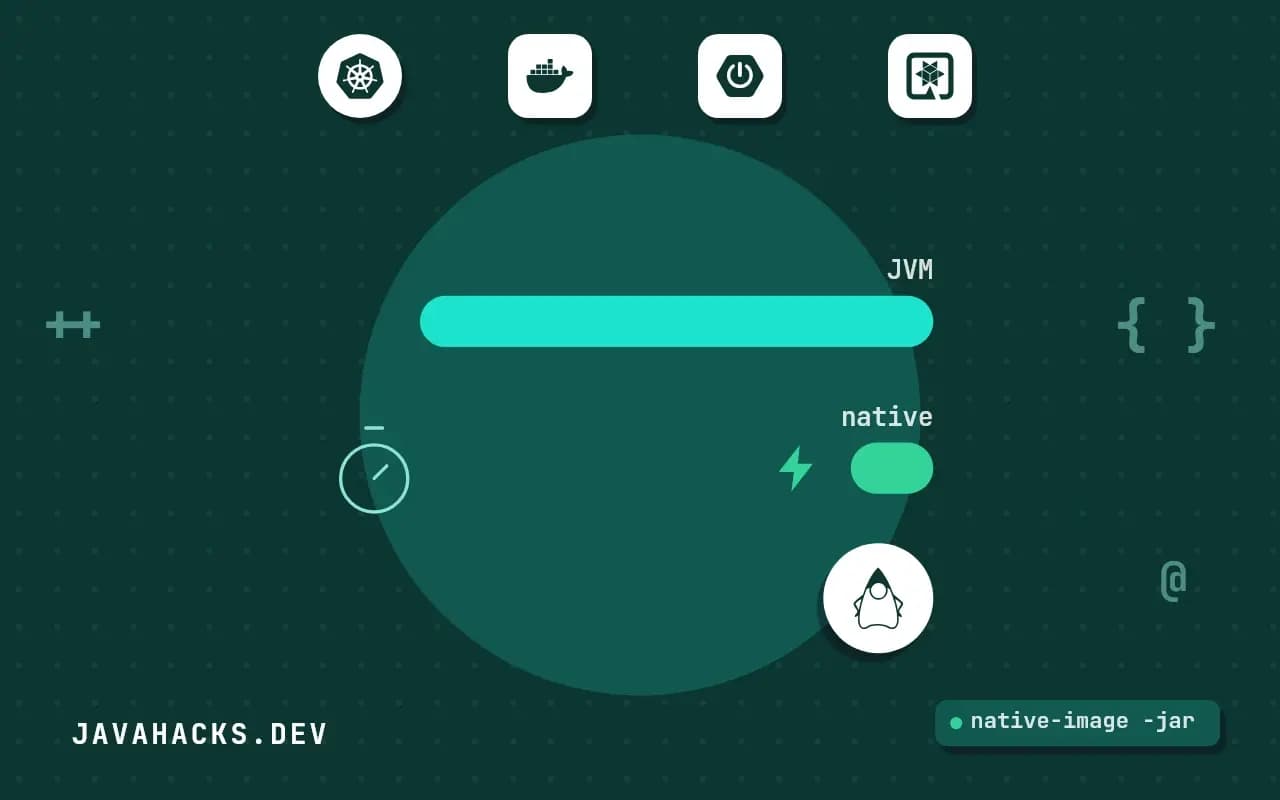
A Micronaut service on the JVM starts in a couple of seconds. The same code compiled to a native executable starts in tens of milliseconds and uses a fraction of the memory, because there is no JVM to boot, no classes to load and no JIT to warm up. Micronaut is built for this: its dependency injection and AOP are resolved at compile time, so there is little runtime reflection for GraalVM to choke on. This post builds a native image of a small Micronaut 4 application, with Maven or Gradle, locally or in a container, explains what the framework does for you, what can still fail and how to test the executable. It uses GraalVM for JDK 25 and Micronaut 4.
Install GraalVM
The native image compiler is part of GraalVM. Install a distribution for your JDK version with SDKMAN!:
sdk install java 25-graal
sdk use java 25-graal
native-image --versionnative-image 25 2025-09-16
GraalVM Runtime Environment GraalVM CE 25+37.1 (build 25+37-jvmci-b01)On Linux you also need a C toolchain, gcc and the zlib headers; on macOS the Xcode command line tools; on Windows the Visual Studio build tools. A missing toolchain is the most common first failure, and the error mentions a linker or cc not found. Your JAVA_HOME must point at the GraalVM install; see fixing a JAVA_HOME that is not defined correctly if the build picks up a different JDK.
Create a project to build, using the Micronaut CLI:
mn create-app dev.javahacks.hello --build=maven --features=graalvmA minimal controller is enough to test with:
package dev.javahacks.hello;

import io.micronaut.http.MediaType;
import io.micronaut.http.annotation.Controller;
import io.micronaut.http.annotation.Get;

@Controller("/hello")
public class HelloController {

    @Get(produces = MediaType.TEXT_PLAIN)
    public String index() {
        return "Hello from native";
    }
}
Build
Maven builds the native executable with a packaging switch:
./mvnw package -Dpackaging=native-imageFor Gradle, the native build plugin adds a task:
./gradlew nativeCompileThe build runs the GraalVM analysis over the whole application and takes a few minutes and several gigabytes of memory, which is normal. It ends with a size summary and the output path:
Produced artifacts:
 /work/hello/target/hello (executable)
Finished generating 'hello' in 1m 12s.
Run it:
./target/hello __ __ _ _
| \/ (_) ___ _ __ ___ _ __ __ _ _ _| |_
...
13:02:31.442 [main] INFO io.micronaut.runtime.Micronaut - Startup completed in 31ms. Server Running: http://localhost:8080The figure that matters is Startup completed. Compare it with ./mvnw mn:run on the JVM on the same machine, over several runs; your numbers will differ from these, so measure instead of quoting. The test that it works:
curl localhost:8080/helloHello from nativeBuild in a container
Not every machine has GraalVM installed, and a CI runner should not need it. Micronaut generates a Dockerfile that runs the native build inside a GraalVM image and copies the result into a small runtime image:
./gradlew dockerBuildNative./mvnw package -Dpackaging=docker-native -PgraalvmSuccessfully tagged hello:latestdocker run --rm -p 8080:8080 helloThe resulting image holds one executable and little else, so it is small and starts quickly. It is also compiled for the architecture of the machine that built it: an image built on Apple Silicon is arm64 and will not run on an amd64 server. Build on the architecture you deploy to, or use a multi-platform build. The pipeline for pushing it is in building Docker images in CI for Java.
What Micronaut handles for you
GraalVM's native image performs a closed-world analysis. It keeps only the code it can prove is reachable, and anything reached through reflection, dynamic proxies, resource loading or serialization must be declared in configuration, or it is dropped. Frameworks that discover beans by scanning at runtime fight this constantly.
Micronaut avoids most of the fight by doing its work during compilation. An annotation processor generates bean definitions, injection code and AOP proxies as ordinary classes, so at runtime nothing needs reflection to wire the application. The mechanism is described in how compile-time dependency injection works in Micronaut. On top of that the Micronaut Graal module generates reflect-config entries for types it knows need them, such as classes marked @Introspected, @Serdeable and configuration properties.
A data type crossing the JSON boundary needs to be known at compile time, which a Micronaut Serde record does with one annotation:
@Serdeable
public record Greeting(String message, int visits) { }
Without @Serdeable (or @Introspected for Jackson Databind), the type serializes fine on the JVM and fails at runtime in the native image, since nothing generated its metadata.
What can still fail
The framework covers its own code, not yours or your libraries'. The failures cluster in a few places.
Reflection in your code. Class.forName, Method.invoke, and libraries that scan. The symptom at runtime is ClassNotFoundException or NoSuchMethodException for a class that exists. Register the type with @ReflectiveAccess or @TypeHint:
@TypeHint(typeNames = "com.acme.legacy.RuleEngine")
public class NativeHints { }
Resources. Files read from the classpath are not included by default. Include them in a META-INF/native-image/<group>/<artifact>/resource-config.json:
{ "resources": { "includes": [ { "pattern": "templates/.*\\.html" } ] } }Build-time versus run-time initialization. A static field initialized at build time freezes into the image: a timestamp, a random seed, a read environment variable. Move that work into a method that runs at startup.
Libraries that use dynamic proxies or JNI without GraalVM metadata. The quarkus-native-build-failed-reflection post covers diagnosing the same class of error on another framework; the technique of finding the missing registration is identical, see Quarkus native build failures with reflection. A missing bean at runtime has a different cause, covered in Micronaut NoSuchBeanException.
When the executable behaves differently from the JVM build, run the GraalVM tracing agent on the JVM build while you exercise the application, which records the reflection, resources and proxies it sees:
java -agentlib:native-image-agent=config-output-dir=src/main/resources/META-INF/native-image \
     -jar target/hello.jar
Exercise every code path, stop the application, then rebuild natively with the generated files in place.
Test the executable
A green JVM test run does not prove the native image works. Micronaut can run its tests against the native executable using the test resources and the native test support, which re-runs your @MicronautTest-style tests against the compiled binary:
./mvnw verify -Dpackaging=native-image
./gradlew nativeTest
These take as long as a native build. Run them in CI on every merge to the main branch, with the quick JVM tests on every push. Also do a smoke test against the real binary: start it, hit the health endpoint, hit one endpoint of each kind (JSON, a database call, a template) and check the process stays under its memory limit.
./target/hello & sleep 1
curl -fs localhost:8080/health && echo OK
kill %1
When native is not worth it
Native is a trade, and the build time is only the visible part. Peak throughput of a long-running service is often lower than a warmed-up JIT, because there is no runtime profile-guided optimization unless you build with PGO, which is an Oracle GraalVM feature. Builds are slower, debugging is harder, and the set of libraries that work without effort is smaller. Choose native for functions and scale-to-zero services where start time and memory dominate cost, for command-line tools, and for short-lived containers. For a steady service with a few instances, the JVM with CDS or AOT cache is simpler and just as fast in steady state. The upstream references are the Micronaut GraalVM guide and the GraalVM Native Image manual.