What Vaadin Flow Is and How the Server Side Model Works
Vaadin Flow keeps the component tree on the server and syncs a thin browser client with it. See what that means for state, memory, threads and security.
Most web frameworks split an application into two programs: a browser front end in JavaScript and a back end that serves JSON. Vaadin Flow keeps one. You write the user interface in Java, as a tree of component objects that live on the server, and the framework keeps a thin JavaScript client in the browser in step with that tree. A button click is a Java method call. A grid is a Java object with a data provider. There is no REST layer between your UI and your services because the UI runs next to them. That is productive for internal tools and business applications, and it changes where state lives and how you reason about threads, scaling and security. This post explains the server-side component tree, how events travel back, the consequences you will notice, how to update the UI from another thread, the security model and when the architecture is the wrong fit. Examples use Vaadin 24 and Spring Boot 4.
The component tree on the server
A Vaadin view is a Java class. You create components, set properties and add them to layouts, and Flow mirrors the result to the browser as real DOM elements and web components:
@Route("greet")
public class GreetingView extends VerticalLayout {

    public GreetingView(GreetingService service) {
        TextField name = new TextField("Your name");
        Button hello = new Button("Say hello");
        Paragraph output = new Paragraph();

        hello.addClickListener(event ->
                output.setText(service.greet(name.getValue())));

        add(name, hello, output);
    }
}
@Route("greet") makes the class available at /greet. Spring injects GreetingService into the constructor like in any other bean, so the view calls business code directly. When a user opens the page, Flow creates a UI object for the browser tab, instantiates the view, and builds a server-side tree of Component objects, each backed by an Element with properties, attributes and children. A client-side engine renders that tree to the DOM. The tree is the source of truth: your code changes components, and the framework works out the minimal set of changes to send.
The consequence of this design is that the server holds a model of every user's screen in the HTTP session for as long as it is open. The session is the application state, not an optimization.
Events travel the other way
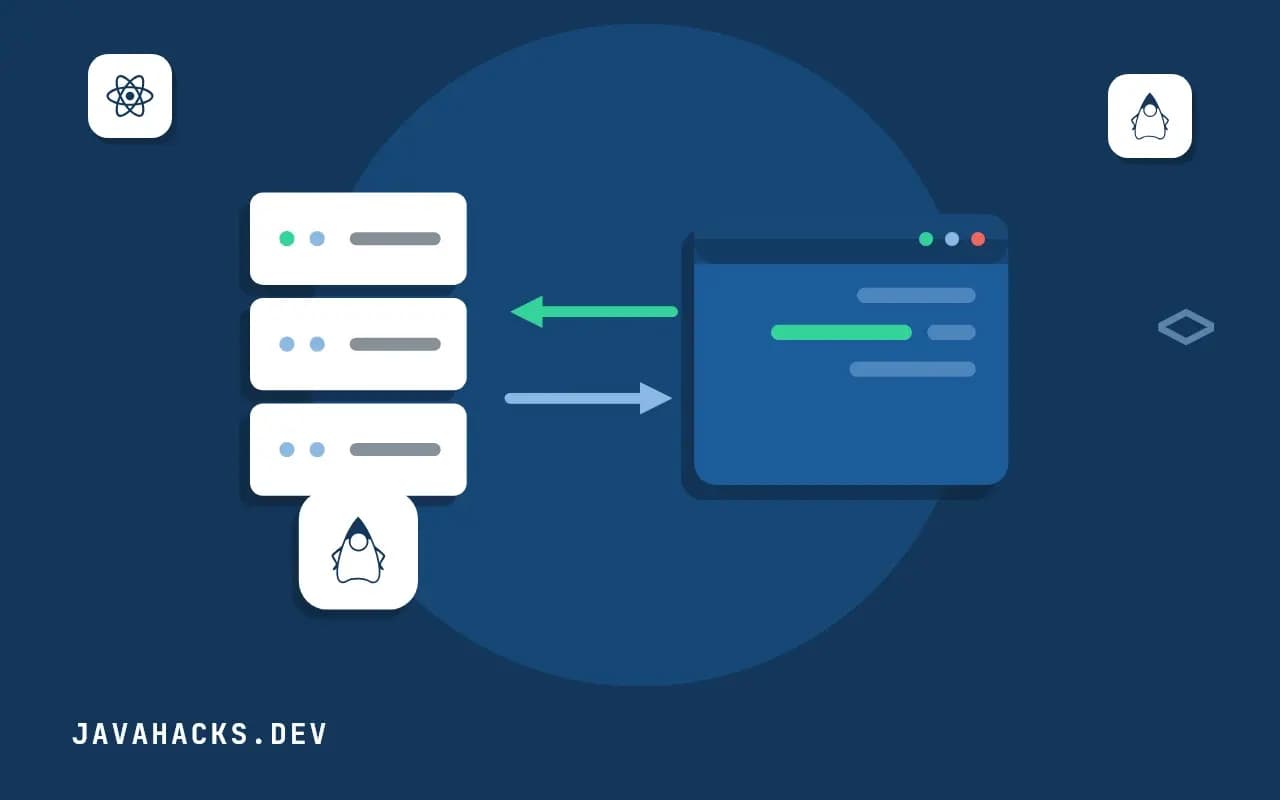
User actions flow in the opposite direction. The browser sends an event over the connection (a click, a changed field value, a scroll), the server finds the component that registered a listener for it, and your Java listener runs on a server thread. If the listener changes the tree, Flow computes the difference and sends back only that.
A request in this model looks like this:
- The user clicks "Say hello" in the browser.
- The client sends a small message: the event type, the node id, and any changed property values (the text field's new
value). - The server applies the property changes to the component objects (
name.getValue()now returns what the user typed), then fires the click listener. - The listener calls
output.setText(...). - The server sends back a diff: "set the text of node 7 to
Hello, Ada". - The browser updates one element.
Only the data that changed crosses the wire, and your code has no JSON, no URL design and no fetch calls. What you give up is a client that can run without the server: every interaction is a round trip, and the round trip must be fast. That is the central trade, and the rest follows from it. The architecture is described in the Flow overview, and the server-push mechanism that allows the server to send a change without a client event is in the server push documentation.
Consequences you will notice
State lives on the server. Every open tab holds a UI with its component tree. Memory use scales with concurrent users and with how much each screen holds. A grid that loads 100,000 rows into a collection puts them in the session for each user; a lazy data provider that fetches pages on demand keeps it small, as shown in lazy loading for the Vaadin Grid. Budget server memory per user, and watch session size.
Scaling needs sticky routing or session replication. A request must reach the instance that holds the user's UI. With a load balancer, use sticky sessions; if instances can disappear, replicate sessions or accept that users lose their screen on a failover (Vaadin can recreate the UI from the URL, though unsaved state is lost). Everything stored on components must be serializable for replication.
Latency is felt directly. Each interaction waits for a server round trip. Over a good network it is 20 to 60 ms, which feels immediate; over a slow mobile link or a distant region it does not. Heavy interactions like typing into a field that validates on every keystroke can be moved to the client or debounced with setValueChangeMode(ValueChangeMode.LAZY).
Debugging is Java debugging. You set breakpoints in the listener and step through the code that handled the click, and a stack trace is a normal Java stack trace. That is a large part of why teams like it.
Browser behavior still exists. The back button, bookmarks and deep links work through routes and URL parameters: a view reads its parameters in a navigation hook and builds its state, rather than relying on server memory, so a refreshed page restores the screen. A tab that sat idle past the session timeout loses its UI; configure the heartbeat and timeouts to match how people actually work.
For the practical build of a full application on this model, see the Vaadin tutorial in pure Java and the broader guide to building web UIs with Vaadin.
Threads: UI.access
All access to a UI must hold its session lock. Flow takes the lock for you while it runs a listener, so code in a click handler is safe. Code that runs on another thread, a background job, a scheduled task, a message listener or a CompletableFuture, has no lock and must not touch components directly. Doing so throws IllegalStateException: Cannot access state in VaadinSession or UI without locking the session, or, worse in older code, corrupts state silently. The correct way is UI.access, which queues the update to run under the lock:
@Route("report")
public class ReportView extends VerticalLayout {

    private final Paragraph status = new Paragraph("Idle");
    private final ReportService reports;

    public ReportView(ReportService reports) {
        this.reports = reports;
        Button start = new Button("Run report", e -> run());
        add(start, status);
    }

    private void run() {
        UI ui = UI.getCurrent();                      // capture on the request thread
        status.setText("Running...");
        CompletableFuture.supplyAsync(reports::generate)
                .thenAccept(result -> ui.access(() -> status.setText("Done: " + result.rows() + " rows")))
                .exceptionally(error -> {
                    ui.access(() -> status.setText("Failed: " + error.getMessage()));
                    return null;
                });
    }
}
Two details. UI.getCurrent() works only on the request thread, so capture the UI before going async and use the captured reference later. And updates from access reach the browser only if the browser can receive a server-initiated message, which requires server push to be enabled with the annotation @Push on the application shell class. Without push, the change is applied on the server and appears only at the next client event. Always detach listeners when the view is removed (onDetach), or a background task keeps updating a UI that no longer exists; check ui.isAttached() and unregister subscriptions in onDetach.
Security
Putting the UI on the server improves some security properties and creates others. The improvement is that business rules and data never go to the browser unless you render them: there is no client-side bundle that contains your authorization logic, and no API for an attacker to call with a crafted payload to bypass the UI, because the browser can only fire events on components that exist in the tree it was sent. The risks are different ones.
- Authorization belongs in the server code, not in the visibility of components. Hiding a button is not access control. A user cannot click a component that was never sent, but any listener you did register can be triggered for components in the tree, and any service method called from the UI must enforce its own permissions with method security.
- Secure routes. Use Spring Security and Vaadin's view access control (
@RolesAllowed,@PermitAll) so a navigation to a route is checked before the view is created. - Session is the credential. The session cookie must be
HttpOnly,SecureandSameSite, and the session should be regenerated on login. - Escape on output. Components such as
Htmland aParagraphcreated from raw markup can inject script. UsesetTextfor user data and sanitize anything passed tosetHtmlornew Html(...). - CSRF is handled by Flow with a per-session token on every request.
- Memory as a denial-of-service surface. Unbounded per-user state is an attack, so cap uploads, grid page sizes and the number of tabs.
The access control details for the views are covered in the Vaadin security documentation, and the same discipline of validating on the server applies as in any web application.
When the model is a poor fit
Server-side Flow is a strong choice for internal applications, forms-over-data, admin consoles, dashboards for a known number of users and teams that are strong in Java and weak in front-end development. It is a poor fit in four situations. A public site with huge unauthenticated traffic and mostly static content pays server memory per visitor for little benefit; use server-rendered pages or a static site generator. An application that must work offline needs the logic on the client. A highly interactive, latency-sensitive UI with constant small interactions (drawing, a game, a collaborative editor with cursor tracking) needs client-side code, though Flow can embed custom JavaScript components for those pieces. And a team that already runs a mature front-end stack and wants a JSON API for several clients gains nothing from a second UI technology. Vaadin also offers Hilla, a TypeScript and React front end with a generated Java back end, for teams who want the client-side model with the same deployment; the two can be mixed in one project.